Whippen Examiner
In useAuditions, without the paperwork
Examiner gives every assessor a structured, tablet-based form for each audition, and gives your leadership team one place to compare every applicant the moment the round is done.
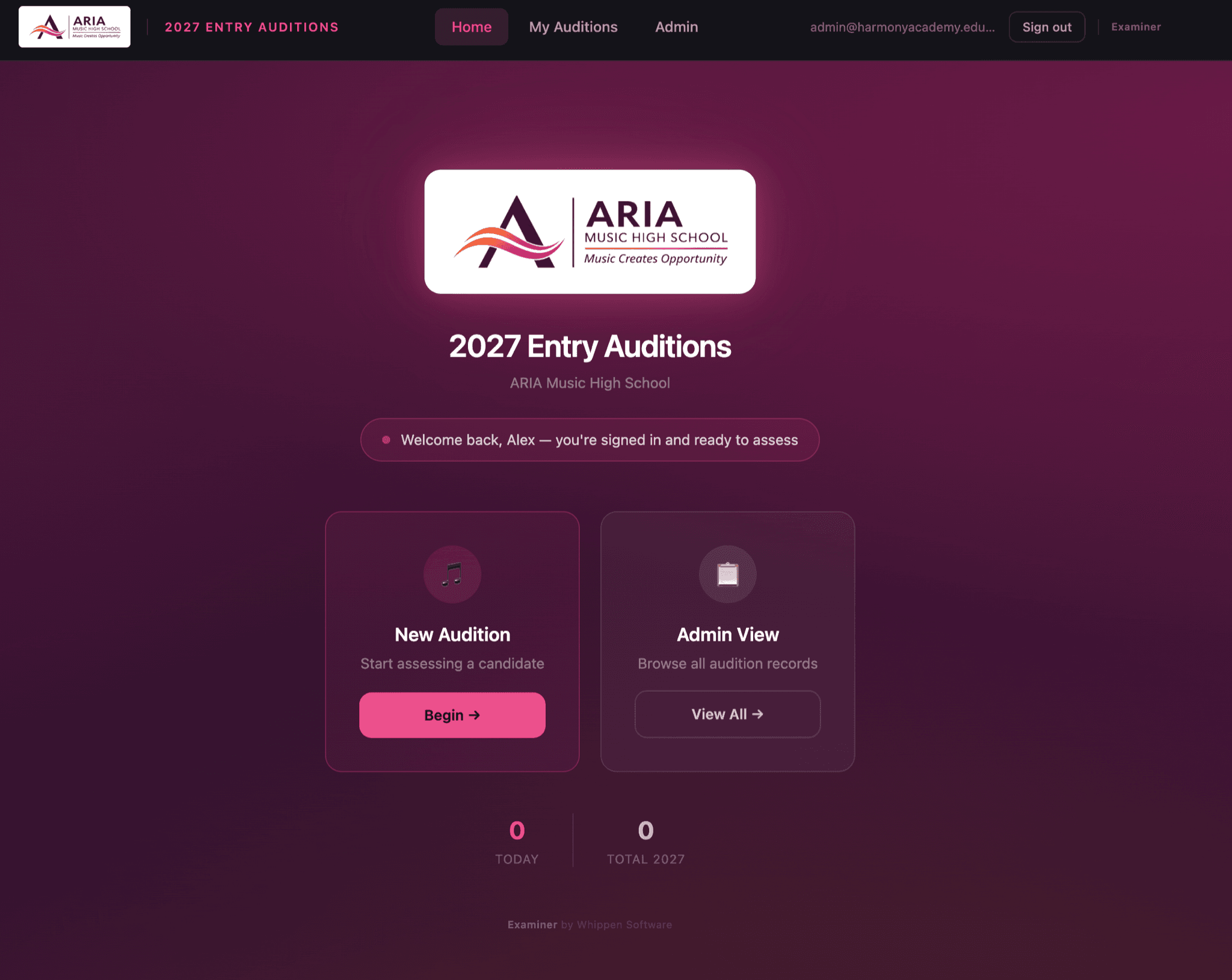
- pathways, each with its own criteria
- 8pathways, each with its own criteria
- kinds of assessor: school staff and visiting specialists
- 2kinds of assessor: school staff and visiting specialists
- board to compare every applicant
- 1board to compare every applicant
- paper mark sheets to collect or retype
- 0paper mark sheets to collect or retype
For school leaders
What changes for your school
Consistent assessment
Every assessor marks against the same criteria for each pathway, so applicants are judged on the same terms, whoever is on the panel.
Faster decisions
Results are on the selection board as soon as each audition finishes. Nobody has to collate sheets into a spreadsheet before the panel meets.
A record you can stand behind
Every rating and comment stays with the applicant and can be exported. When a family asks about an outcome, the detail is there.
The workflow
From application to first lesson
Examiner can be used on its own. Alongside Intake and EarLab, it covers the whole selective-entry process, with each applicant's record carried through every step.
1.Apply
IntakeFamilies apply online, with the applicant's photo and details in one record.
2.Listening test
EarLabApplicants complete EarLab's four listening subtests, and results attach to their application.
3.Shortlist
IntakeStaff review applications, record a status for each, and send outcome letters in bulk.
4.Schedule auditions
IntakeEach shortlisted family receives a letter with their workshop, warm-up, and audition times.
5.Assess
ExaminerAssessors pick the applicant from the shortlist, with their photo, and work through a structured assessment on a tablet.
6.Select
ExaminerCoordinators compare every applicant on the selection board, open full dossiers, and export results.
7.Begin the program
SchedulerOnce students start, lessons, ensembles, and attendance run in Scheduler, using the same staff accounts.
A guided assessment on a tablet
- General presentation, up to four pieces, technical work, sight-reading, aural, and an overall recommendation.
- Criteria change with the pathway, for example bow control and vibrato for strings, breath control and tonguing for wind.
- A jump-to strip lets assessors move between sections, and their work is saved as they move.
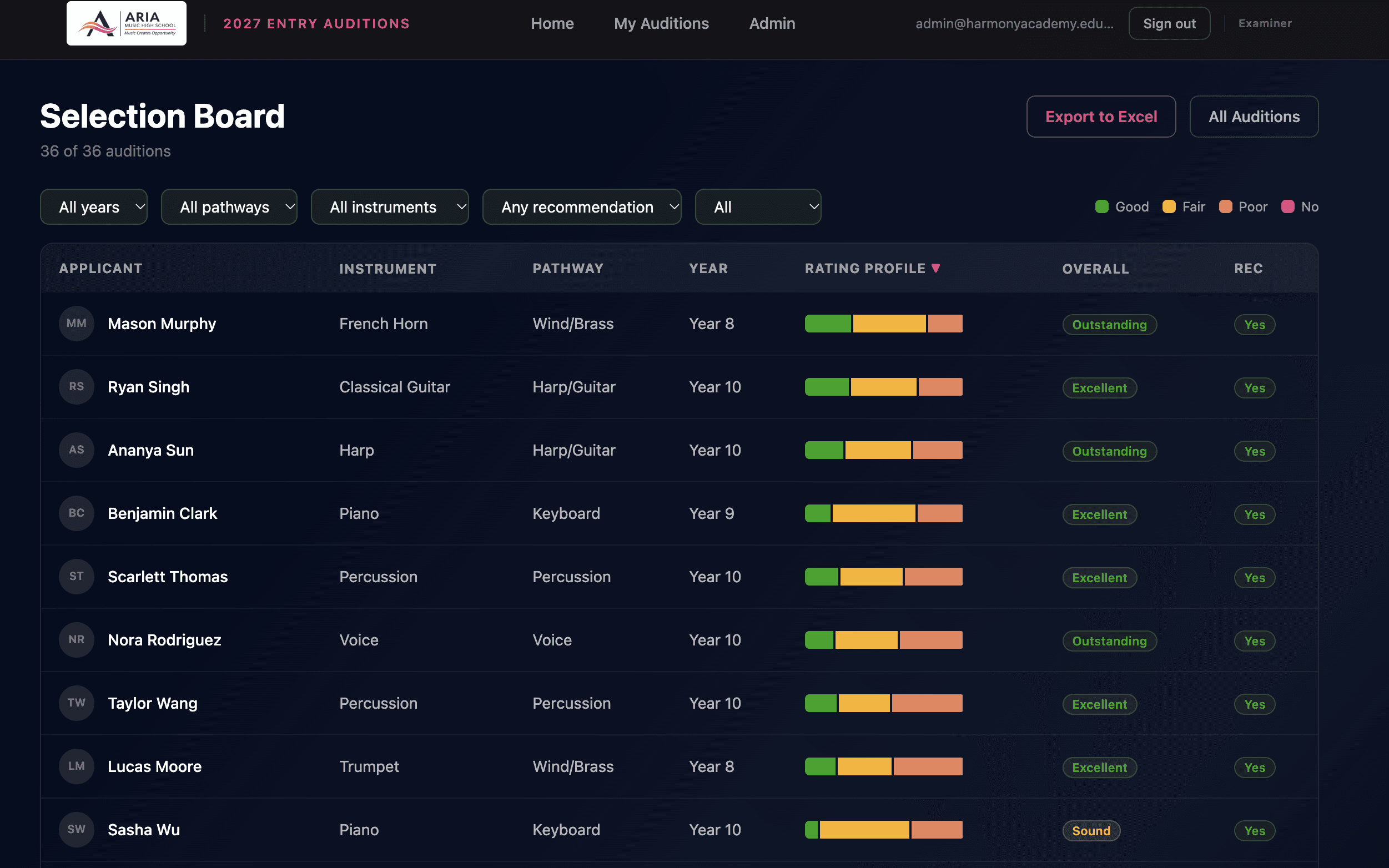
Every applicant on one board
- Filter by year, pathway, instrument, recommendation, and completion, and sort by overall strength.
- Each applicant's ratings are summarised at a glance, with labels as well as colour.
- Export the current view to a comparison workbook for the selection meeting.
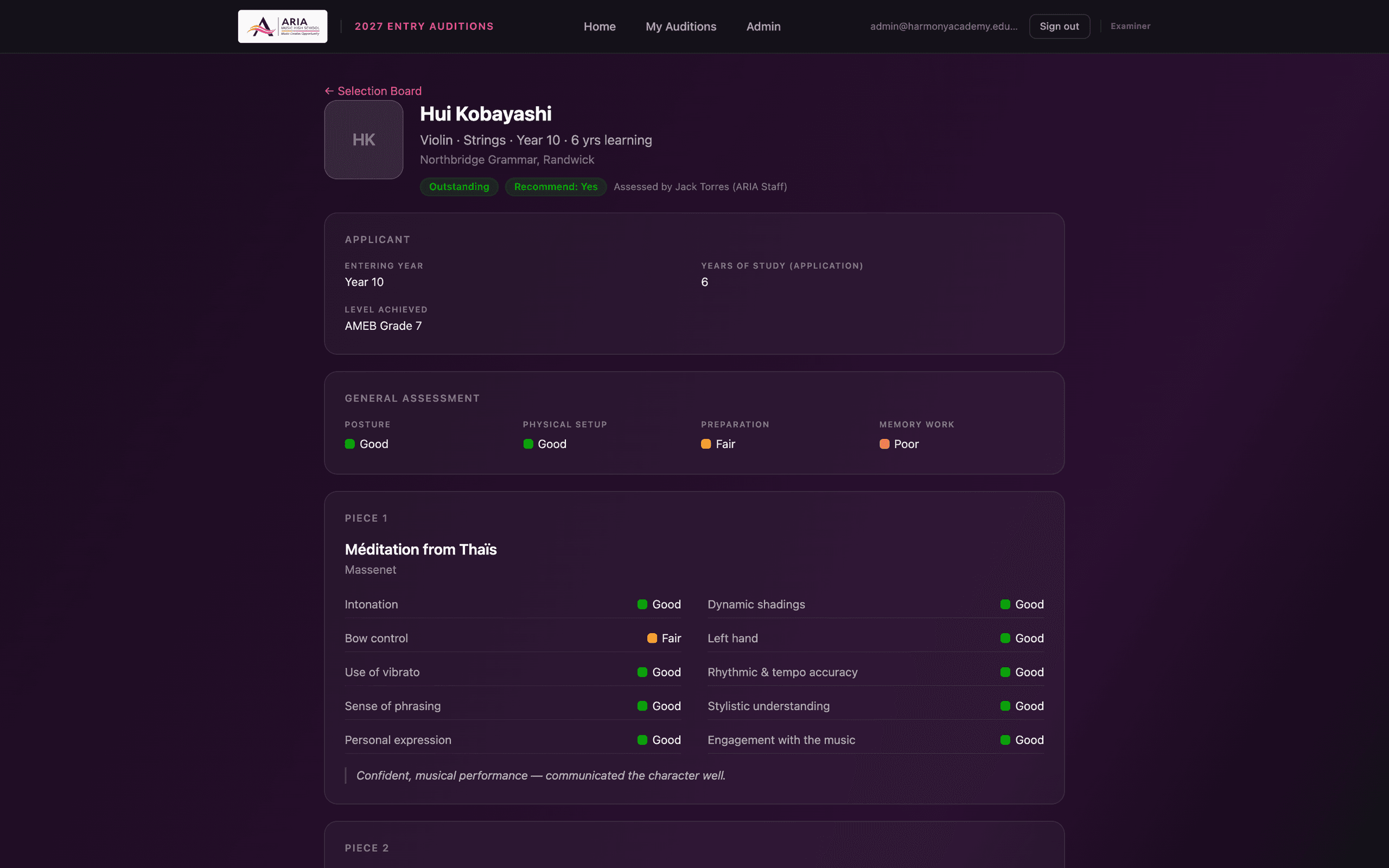
A full dossier for each applicant
- Scores for every piece, laid out against their criteria, alongside each assessor's comments.
- Sight-reading, aural, and overall assessment on the same page.
- PDF reports for each applicant when a printed copy is needed.
Simple for visiting assessors
- Coordinators invite external specialists, who get their own sign-in and log in with a PIN.
- Each assessor sees their own auditions, split into complete and still to finish.
- Unfinished assessments can be picked up again at any point.
An assessor's list of their own auditions on a phone
Pathways
Each pathway has its own assessment criteria. Examiner is currently set up for these music pathways:
- Keyboard
- Strings
- Harp and guitar
- Wind and brass
- Percussion: snare, timpani, kit, and mallets
- Voice
- Composition
- Jazz studies
If your school auditions in dance, drama, or other disciplines, talk to us about what setting those up would involve.
In practice
Used for a full selective-entry audition round at a specialist music high school in NSW. The round covered eight pathways across instruments, voice, composition, and jazz, with school staff and visiting specialist assessors.
Planning your next audition round?
We'll walk you through Examiner from an assessor's tablet to the selection board, and talk through how your pathways and panels would be set up.
Book a demo